

Robot Package
Robot Package#
A robot package captures the selected robot's complete setup — robot, tools, collision geometry, settings — and its last task as a single replayable JSON file. Use it for archiving a job, support diagnosis, or running a program again without the original client.
This can be useful for troubleshooting, sharing a project with support, or managing a semi-automatic fabrication process, where the operator loads a robot package, checks it visually, and then runs/executes it.
To save a robot package, go into the Run panel on the Visual tab of PRC.Server.
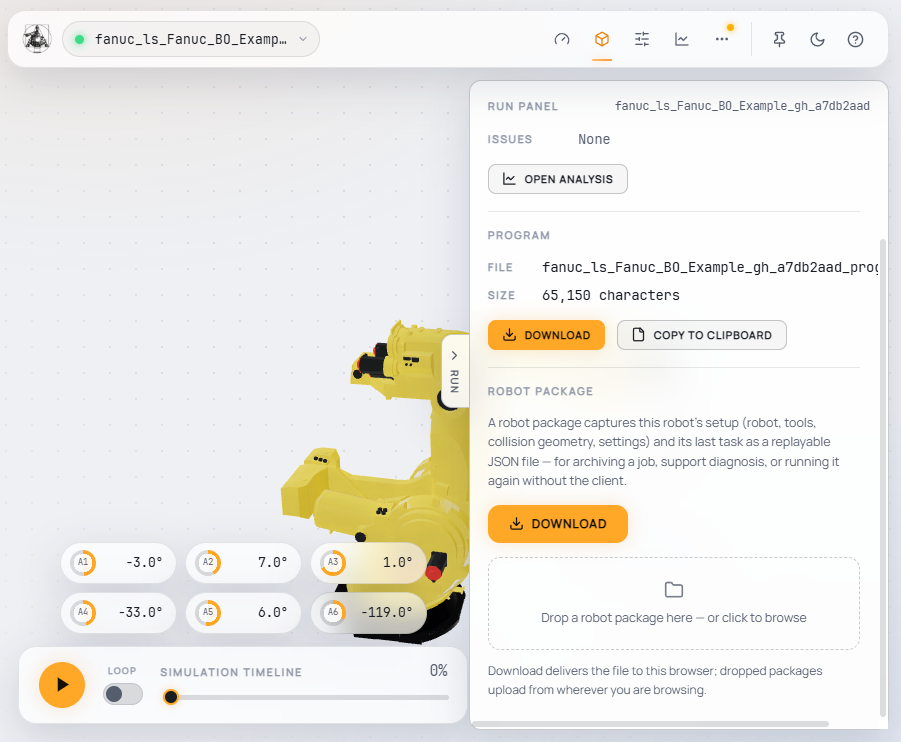
- Download hands the package to the browser you are working in.
- Drop a package onto the drop zone (or click it to browse) to replay it as a new robot on this server. The package goes through the same setup and license checks as a live client, and its task is simulated again.
Packages with a realtime driver load passively: motion is disabled on load, and nothing moves until you deliberately start the program with Run. The same drop zone is also offered whenever no robot is connected yet, so a saved package can bootstrap a server session on its own.
Instead of connecting a client such as Grasshopper, you can also drop/load a package when the server is starting up.
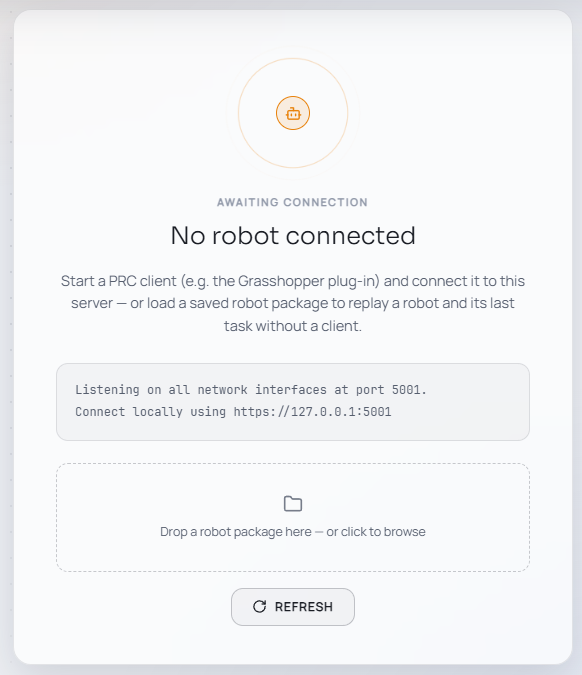
The robot package functionality is only accessible via the GUI. If you have your own integration of PRC, you can simply store/serialize the gRPC request and replay it.