

Headless Mode
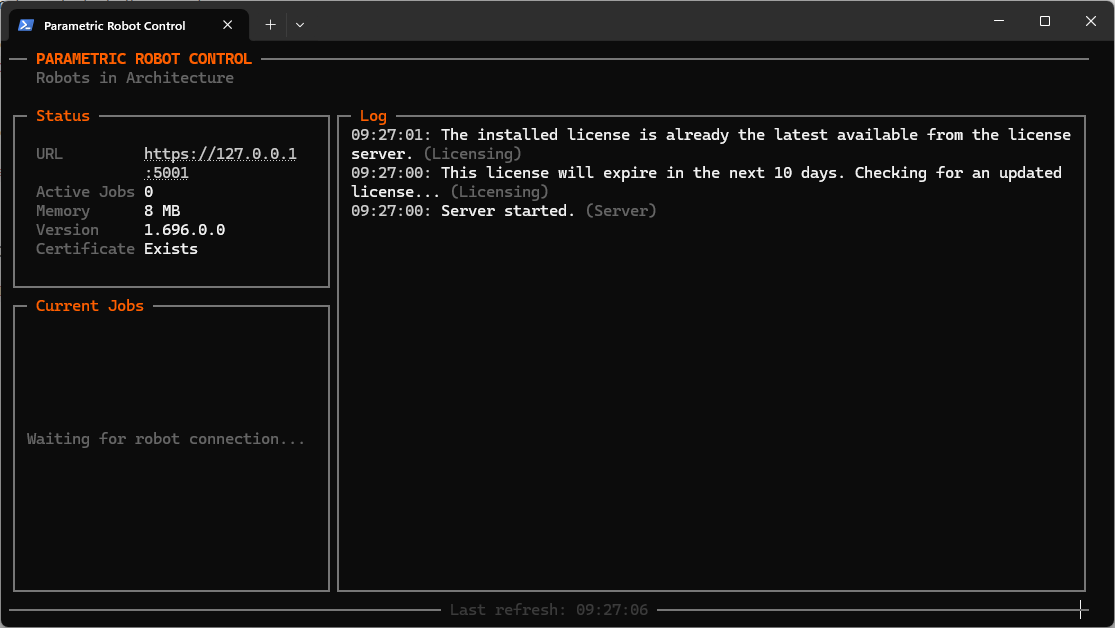
Instead of the Desktop shell, developers can start the server in the Terminal. You can still access the UI through your browser. Use the —headless parameter as below:
Windows CMD"%LOCALAPPDATA%\Parametric Robot Control\PRC.Server\PRC.Server.exe" --headless
Windows Powershell
& "$env:LOCALAPPDATA\Parametric Robot Control\PRC.Server\PRC.Server.exe" --headless
macOS Terminal
/Applications/PRC.Server.app/Contents/MacOS/PRC.Server --headless
Note that the Terminal view is the default when running the Developer version rather than the specific macOS/Windows build. The headless parameter is then not necessary.